1
Build it
A Debug build installs the pack into %APPDATA%\TheUser\WinLaunch\plugins and writes a .wlpack file. Restart WinLaunch to load the new build.
A pack holds desktop and dock widgets written in C# against the widget SDK, presets, and pictures for the gallery. Packs are the only thing published to the WinLaunch gallery, and every pack is included with the WinLaunch licence.
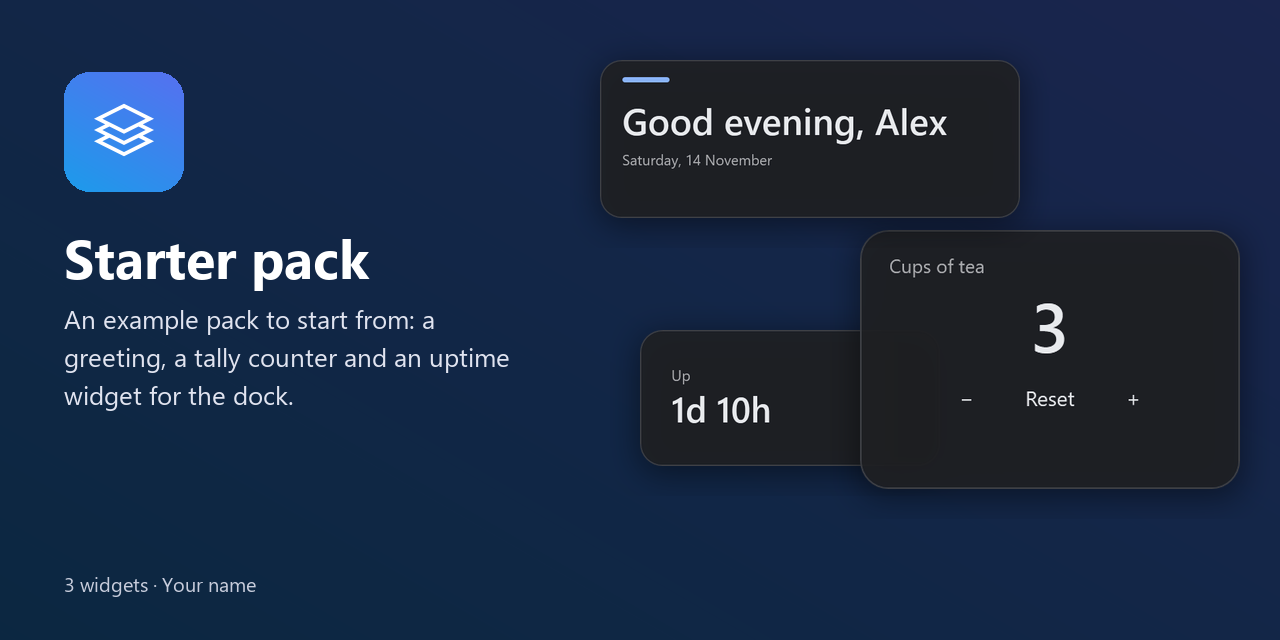
A complete pack to copy: three widgets (settings and theme colours, state kept per copy, one widget for both the dock and the desktop), a preset, a pack.json with every field, and a project that installs the pack into your WinLaunch on every Debug build.
Download the starter pack 1.0.0A .zip with the source, the widget SDK, pictures and a README. Build it with the .NET 9 SDK.
1
A Debug build installs the pack into %APPDATA%\TheUser\WinLaunch\plugins and writes a .wlpack file. Restart WinLaunch to load the new build.
2
Settings → Packs → For pack authors checks the pack like the gallery does, takes pictures of every widget and of the screen for your presets.
3
Upload the pack folder as a zip, with its source. The gallery reviews it, builds it and encrypts it, so people get exactly what was reviewed.