Developer pack
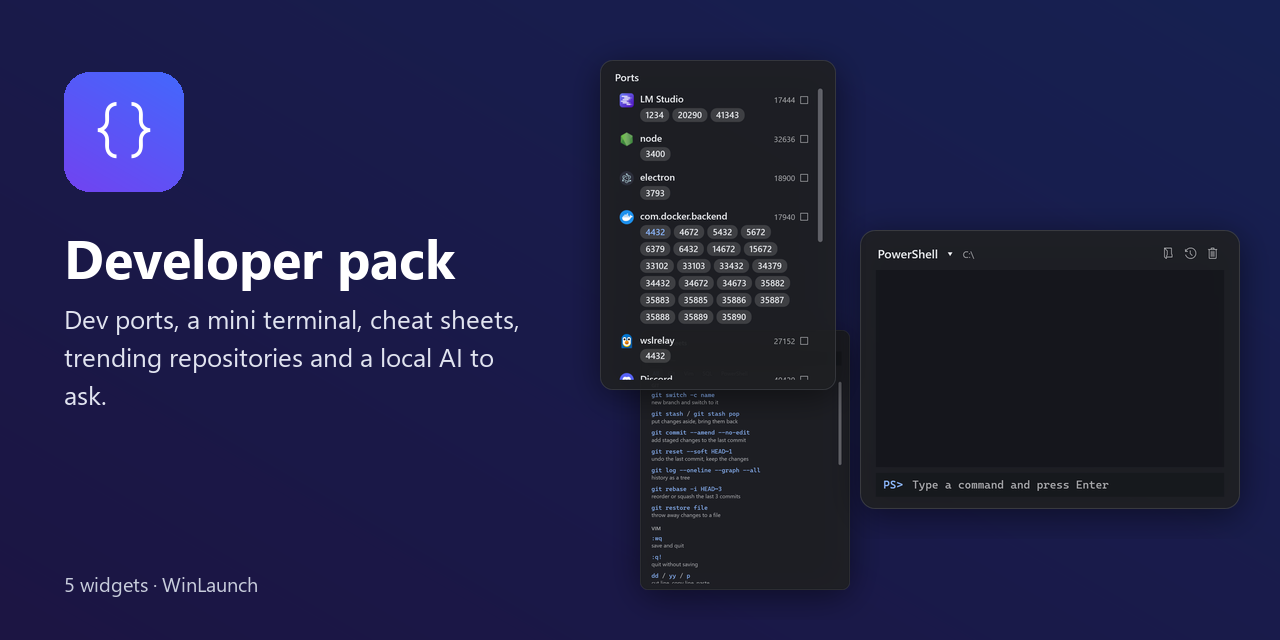
The ports your dev servers use, a mini terminal, cheat sheets, trending repositories and a local AI to ask.
Widgets
- Dev ports
- Mini terminal
- Cheat sheets
- Trending repos
- Ask AI
Packs add desktop widgets and ready-made settings to WinLaunch. All of them are included with your licence and installed with WinLaunch; turn each on or off in Settings → Packs.
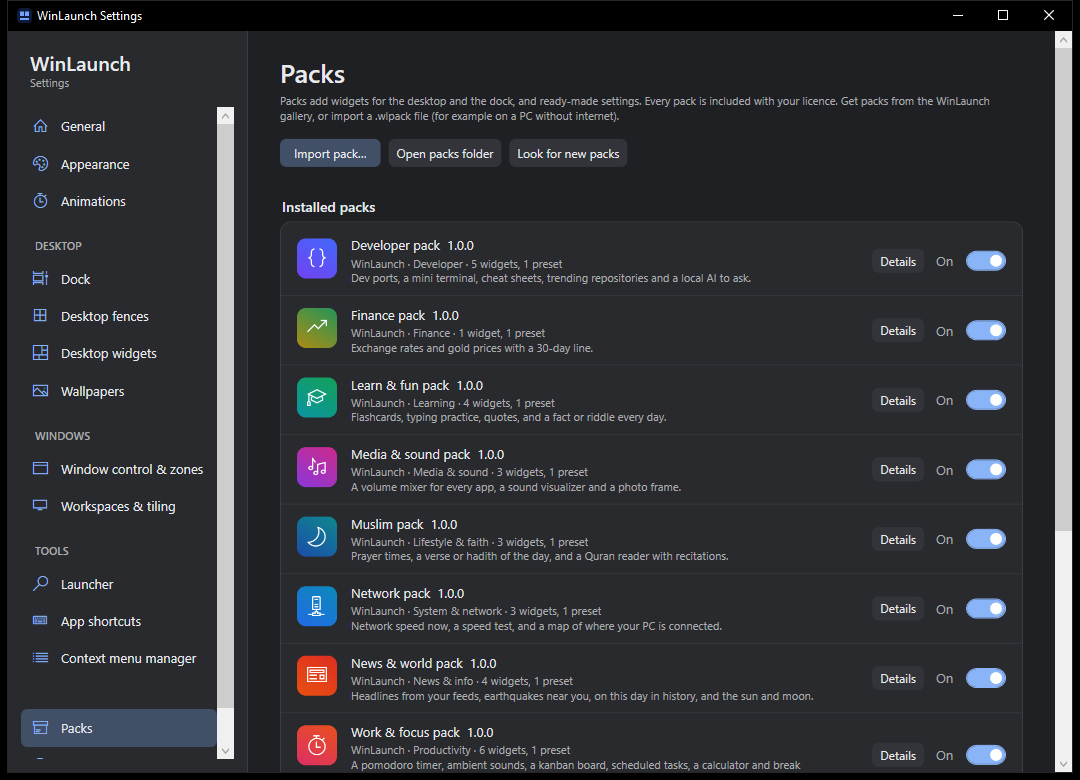
The ports your dev servers use, a mini terminal, cheat sheets, trending repositories and a local AI to ask.
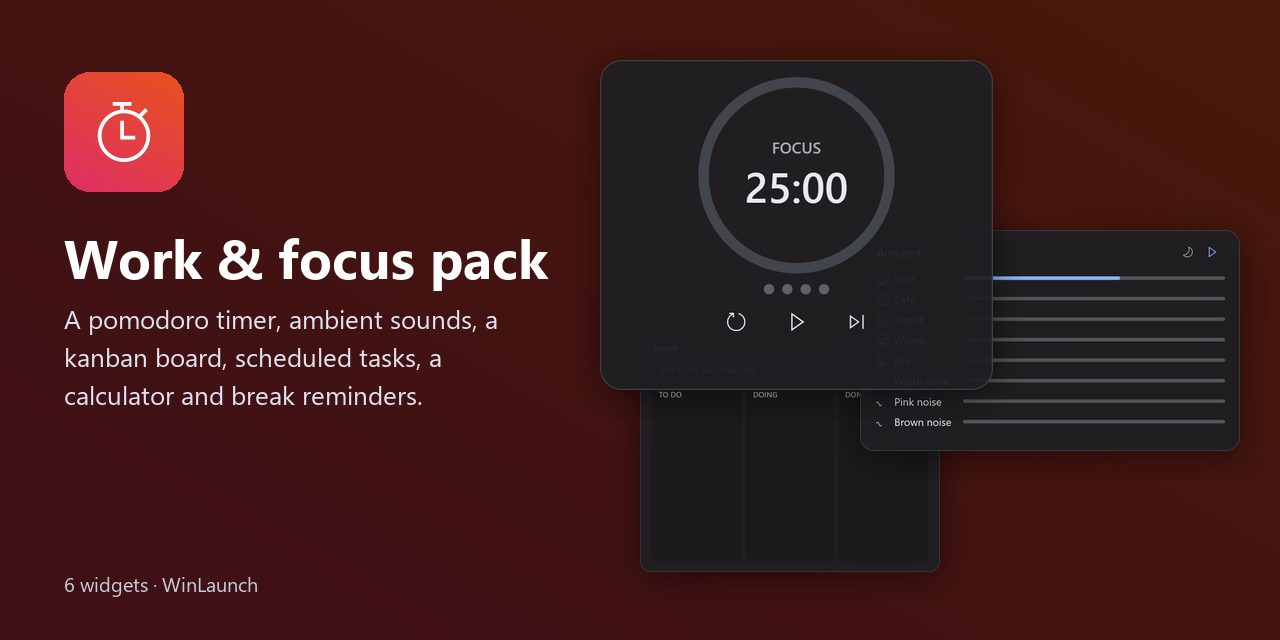
A pomodoro timer, ambient sounds, a kanban board, scheduled tasks, a scratch calculator and break reminders.
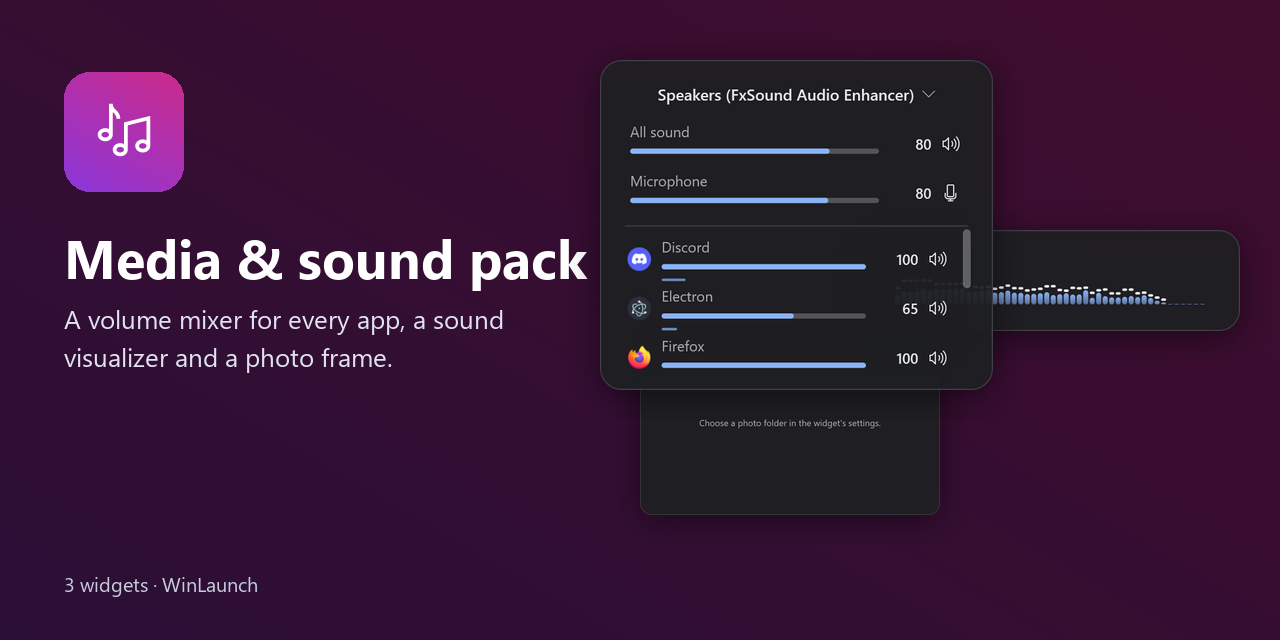

A volume mixer for every app, a sound visualizer and a photo frame.
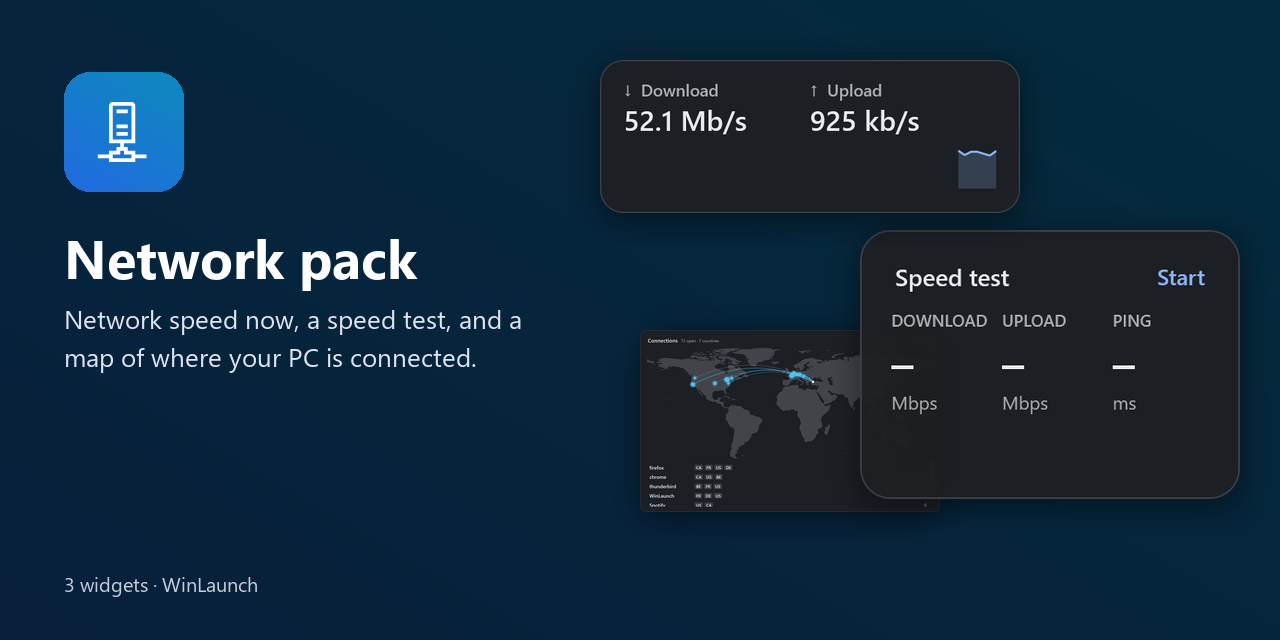
Network speed now, a speed test, and a map of where your PC is connected.
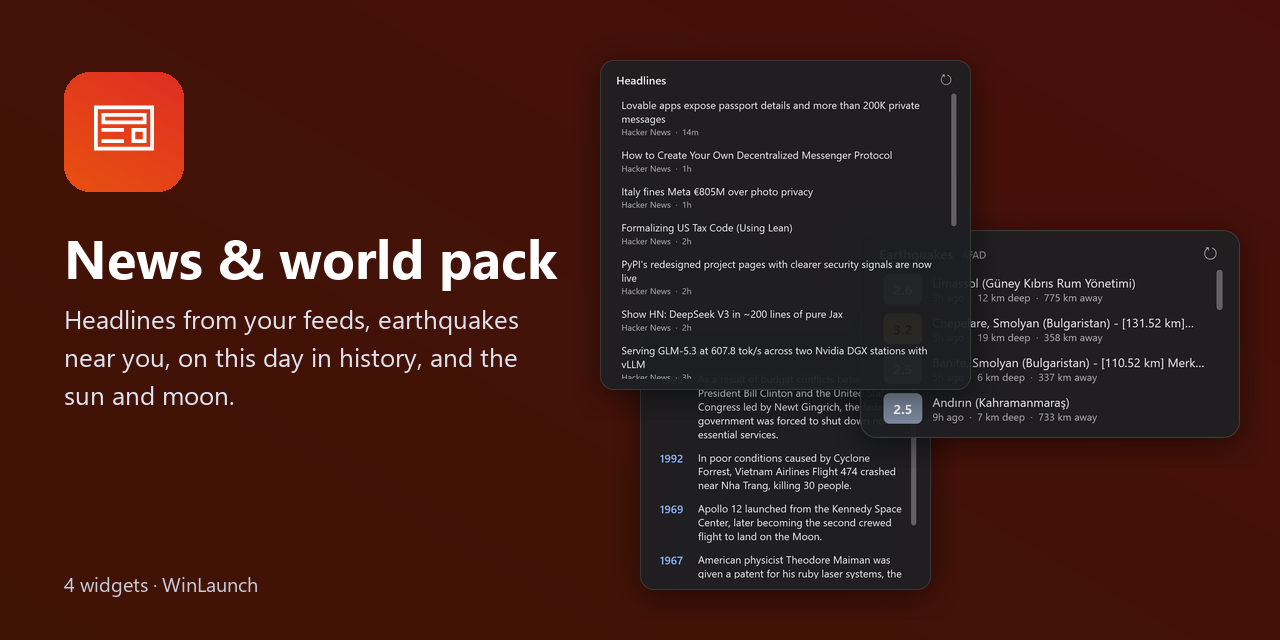

Headlines from your feeds, earthquakes near you, on this day in history, and the sun and moon.
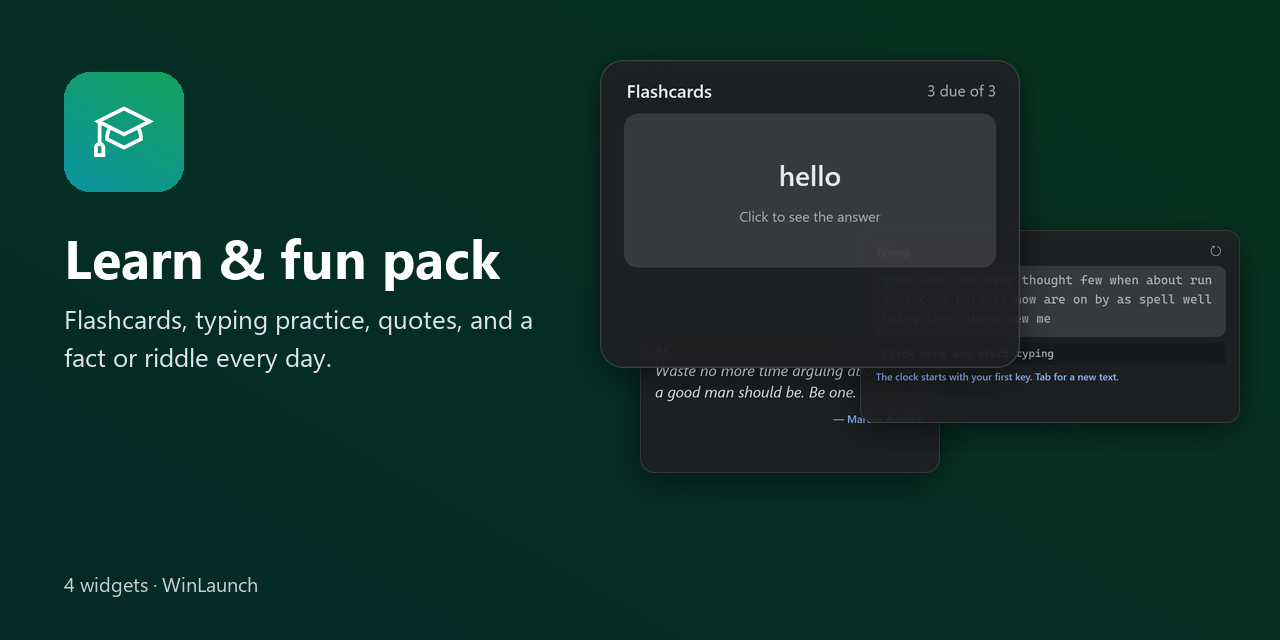

Flashcards, typing practice, quotes, and a fact or riddle every day.
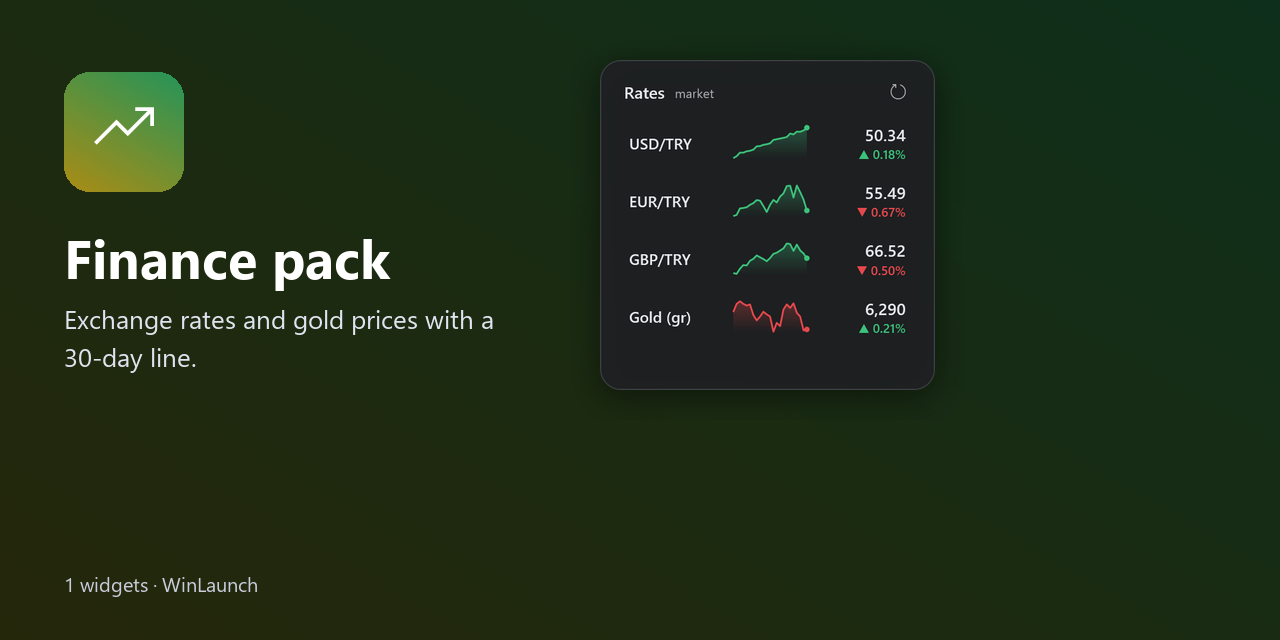

Exchange rates and gold prices with a 30-day line.
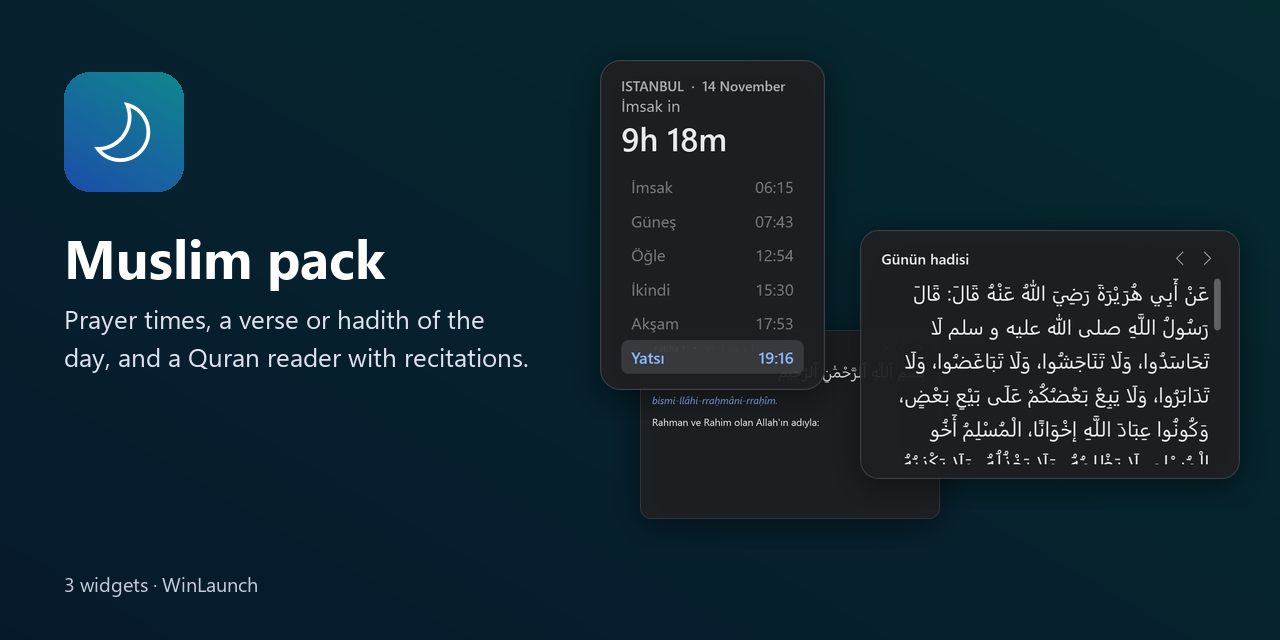

Prayer times, a verse or hadith of the day, and a Quran reader with recitations, in Arabic and Turkish.
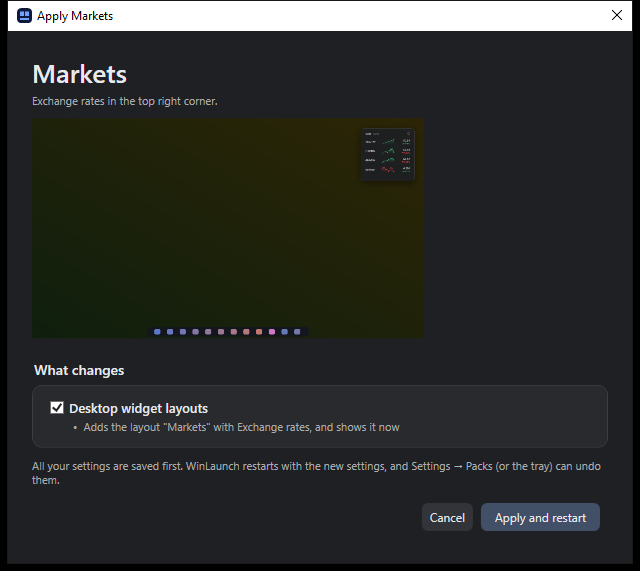
A pack can bring presets: a desktop layout, the dock's contents, even other settings. Applying one lists every change first, saves all your settings, and Undo puts them back.
Every pack is also a .wlpack file. Copy it to the PC and open it, or use Settings → Packs → Import pack.
Make your own pack